Save webpages as PDFs, ready when you need them
WebPDF saves webpages as PDFs you can keep, organize, and share. Browse to a page in the app, or send a webpage from Safari and other apps to WebPDF using the Share Sheet.
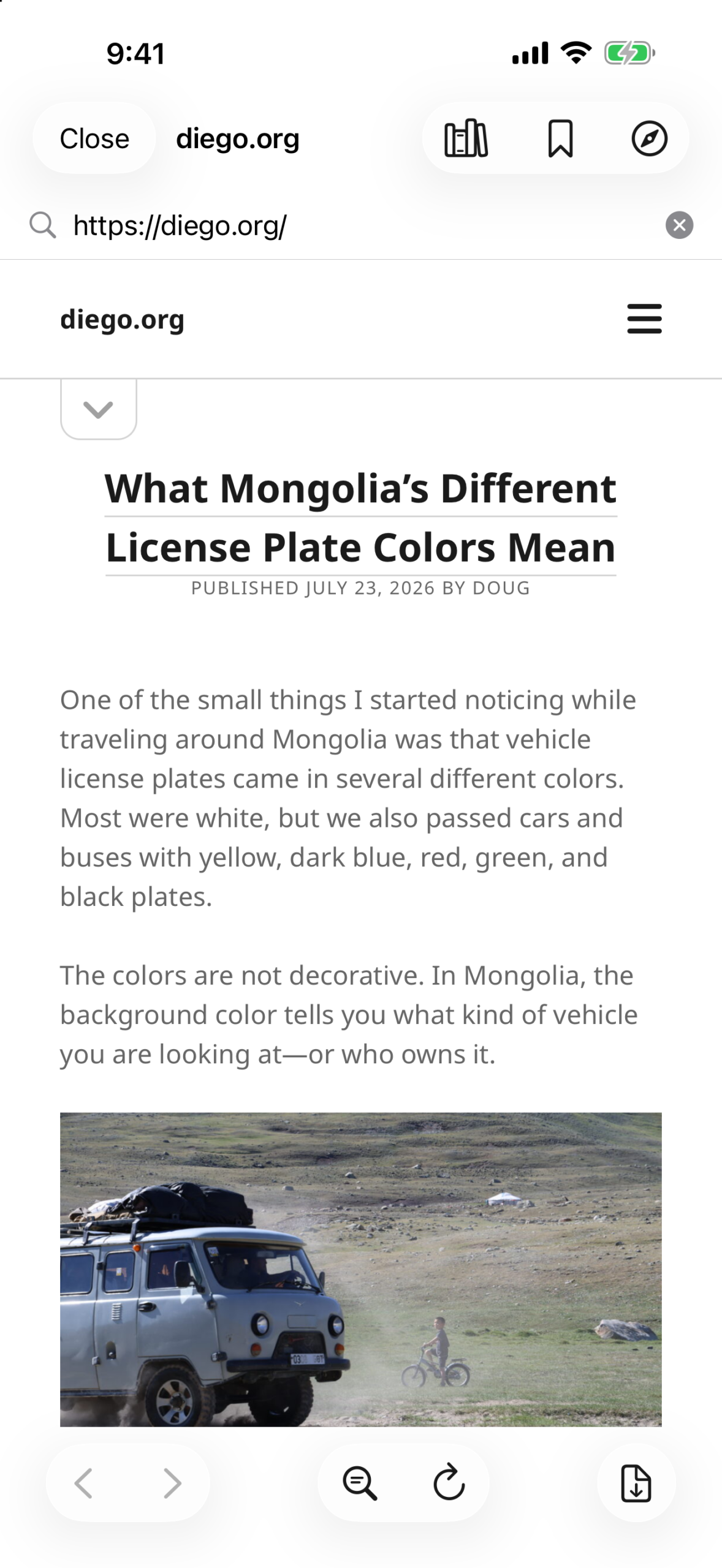
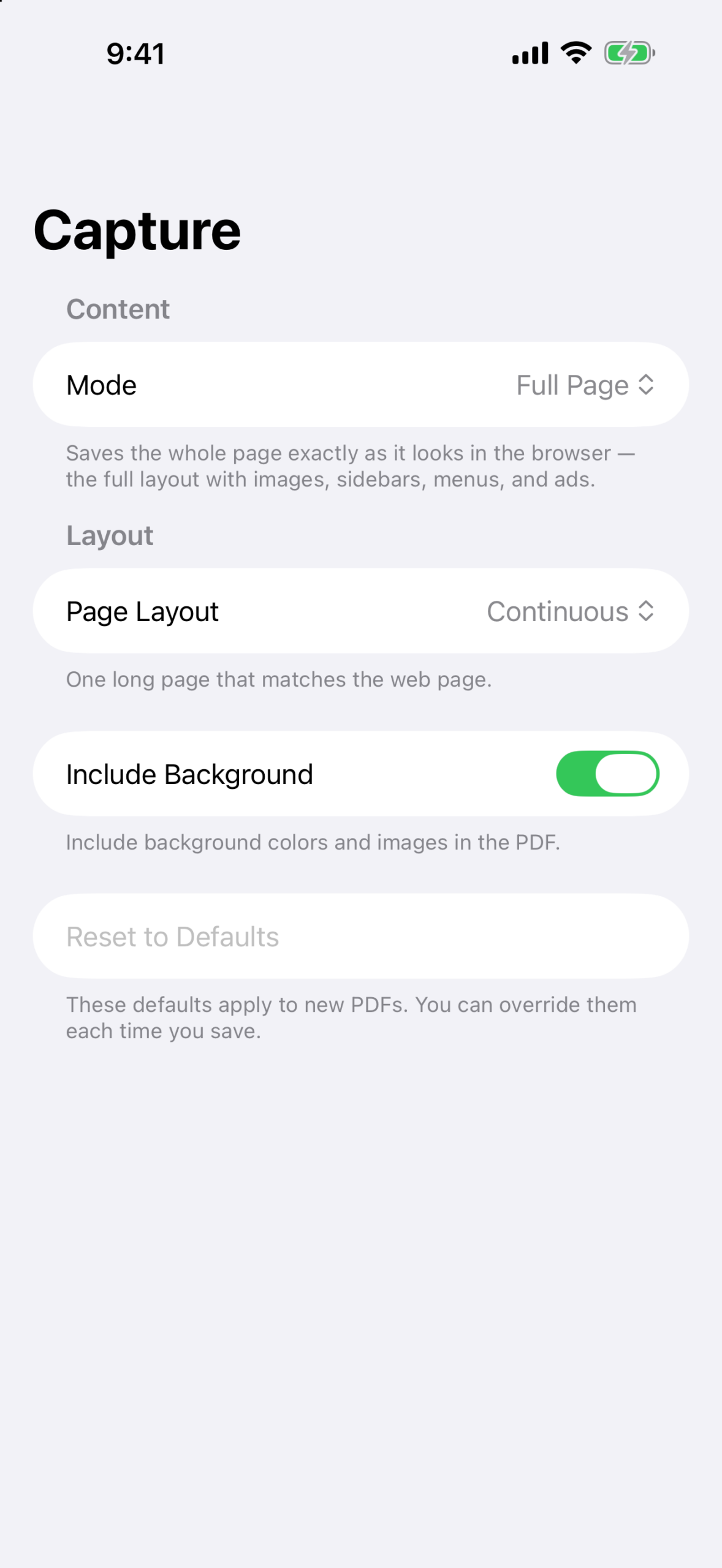
Choose a full-page capture when you want to preserve the original layout, or a reader-friendly capture for a clean, focused document. Your saved PDFs stay in a searchable library on your device, ready to view or share offline.
Download WebPDF on the App Store
What you can do
- Save webpages your way: Browse or search the web, then create a Full Page or Reader-friendly PDF.
- Capture from Safari: Send webpages from Safari and compatible apps to WebPDF with the Share Sheet.
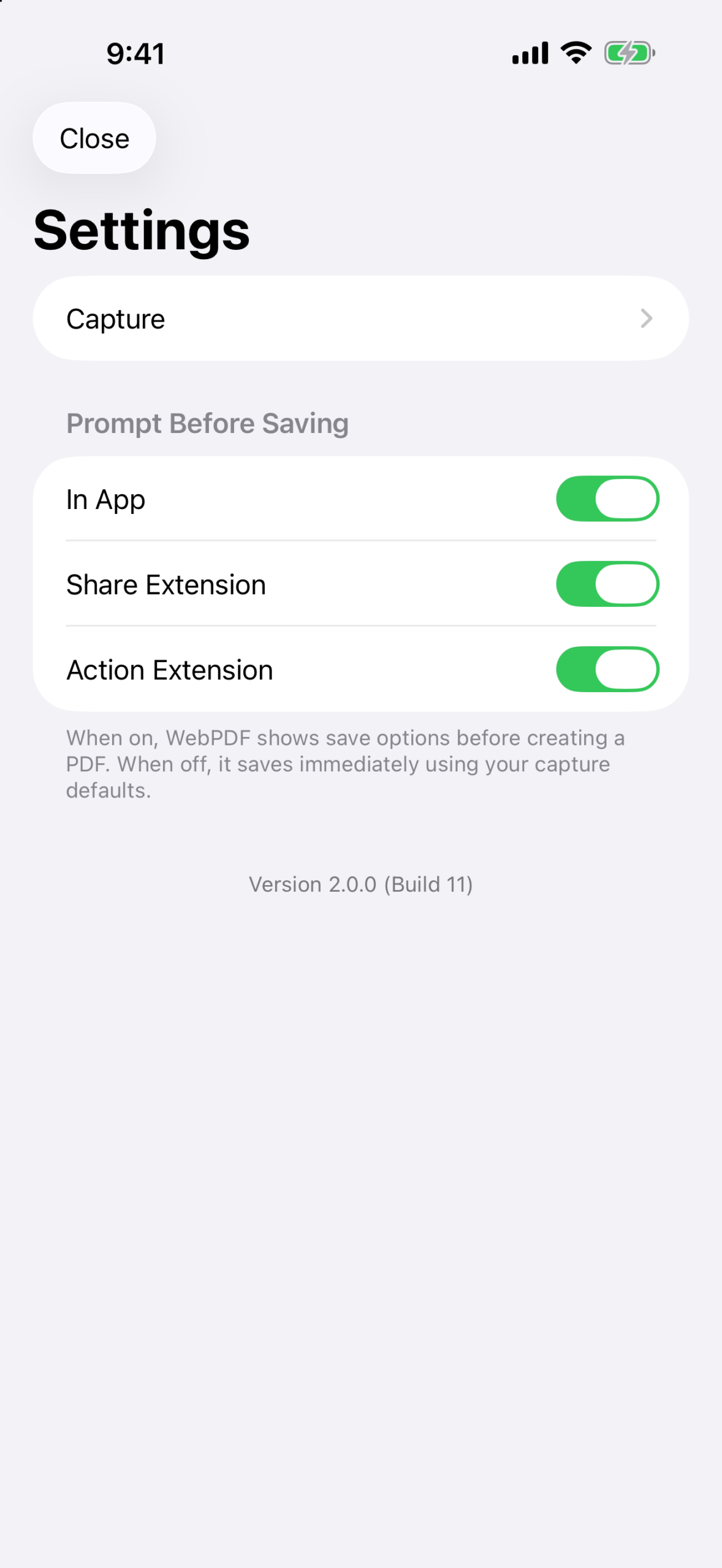
- Set up each capture: Adjust paper size, orientation, margins, layout, and background before saving.
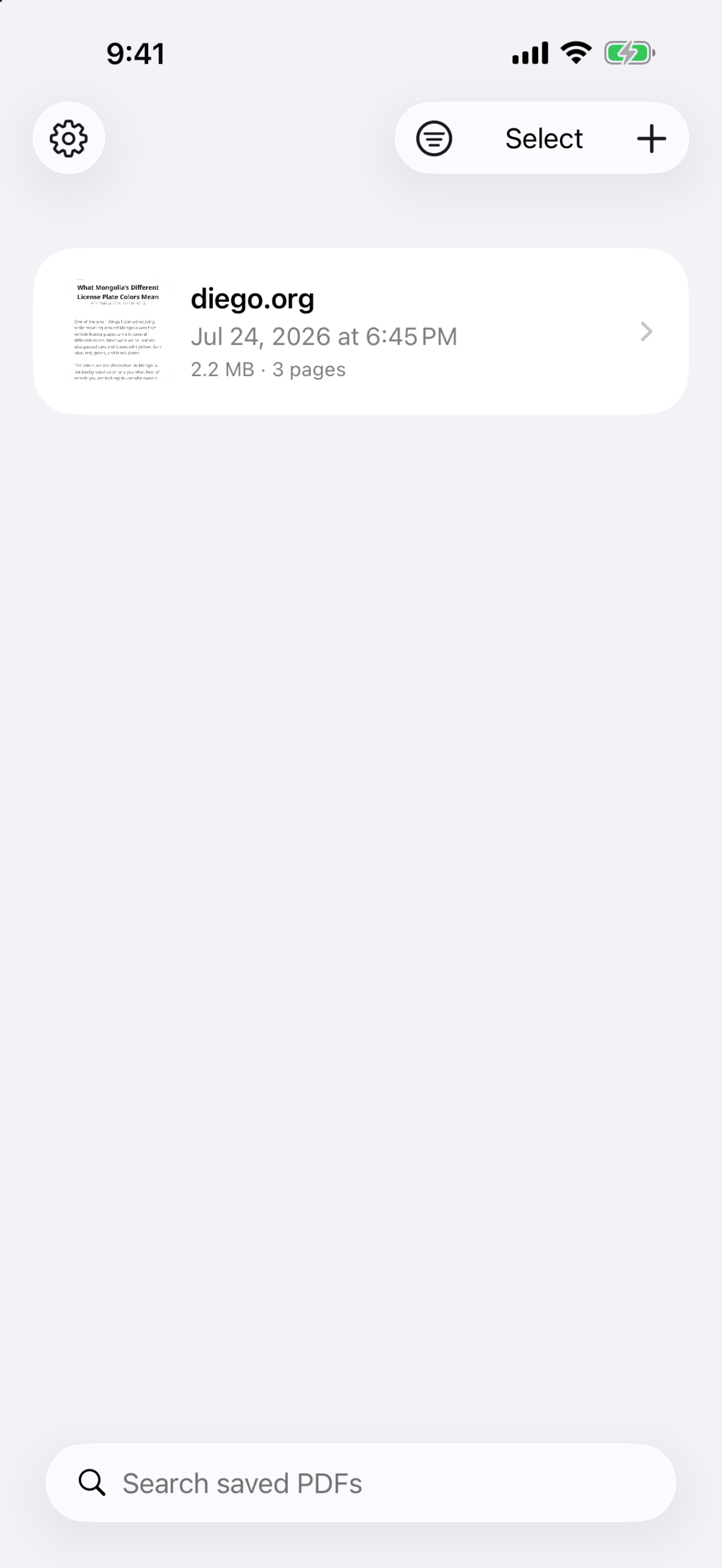
- Find anything quickly: Search by PDF title or the text inside a saved PDF.
- Keep your library organized: Use folders and choose between list and thumbnail views.
- Manage documents in bulk: Rename, move, merge, share, or delete PDFs, including with multi-select actions.
- Edit pages safely: Reorder or remove pages and save an edited copy.
- Browse comfortably: Use bookmarks, history, Find in Page, and Open in Safari.
Private by design
WebPDF stores your saved PDFs, library, and browsing information on your device. It does not require an account and does not collect, track, or receive the webpages you save.
Version 3.0
Version 3.0 is a complete SwiftUI redesign with a more capable PDF library, flexible Full Page and Reader-friendly capture, folders and search, bulk actions and page editing, plus bookmarks, history, Find in Page, and Safari handoff. Existing WebPDF documents are brought forward when you update.
Version history
Version 3.0.0 (July 26, 2026)
- Complete redesign with a modern SwiftUI interface.
- Added Full Page and Reader-friendly webpage capture, with controls for paper size, orientation, margins, layout, and backgrounds.
- Added a searchable saved-PDF library with folders, list and thumbnail views, sorting, and multi-select actions.
- Added PDF merging, page reordering and removal, and easier sharing.
- Added bookmarks, browsing history, Find in Page, and Open in Safari.
- Existing WebPDF documents are brought forward when you update.
Version 1.2.0 (Jul 24, 2018)
- Support for iOS 11
Version 1.1.1 (Jan 14, 2016)
- Bug fixes
Version 1.1.0 (Nov 22, 2014)
- Added extension support. You can now save to WebPDF from Safari.
- Increased the sharing options from WebPDF’s PDF viewer.
Version 1.0.0 (Nov 14, 2014)
- Initial release.