Your contact card, ready when you need it
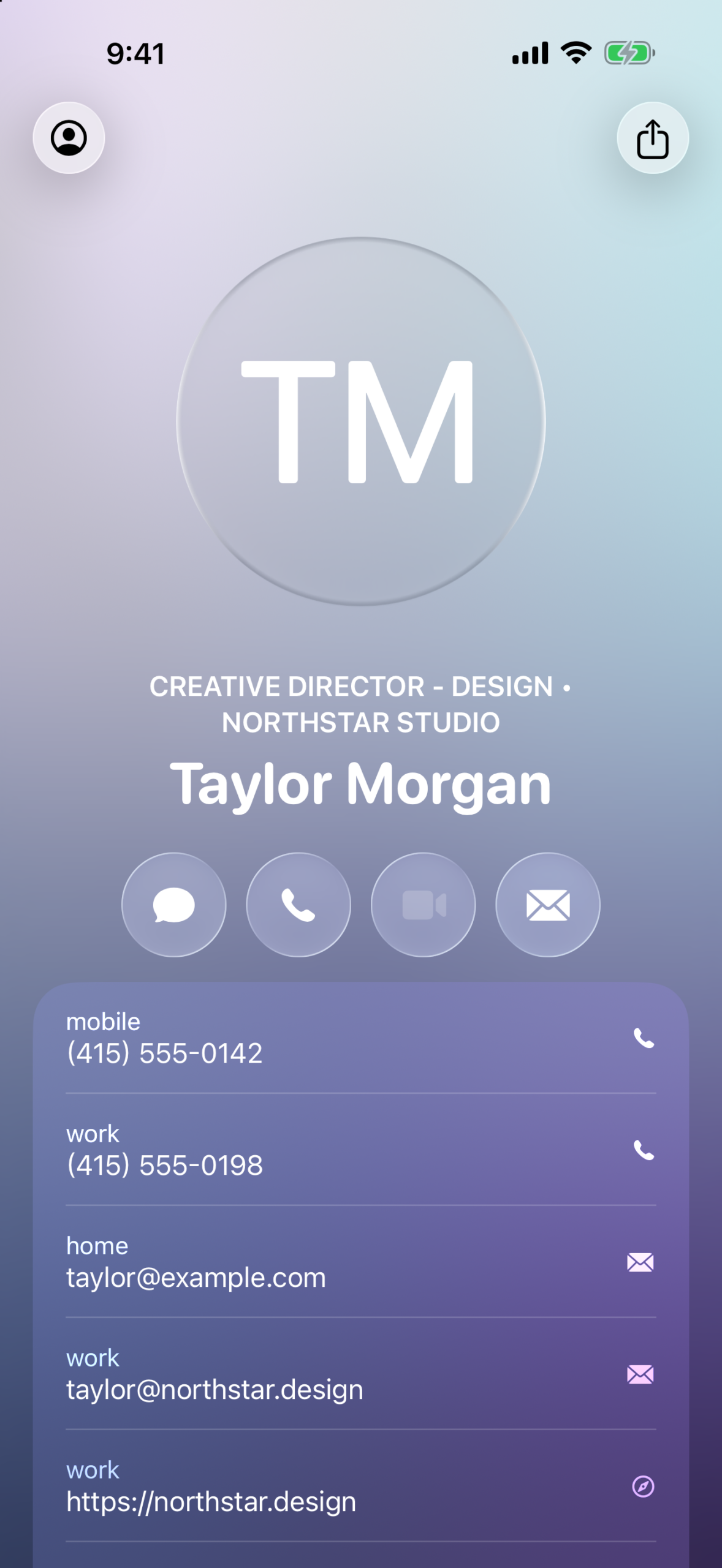
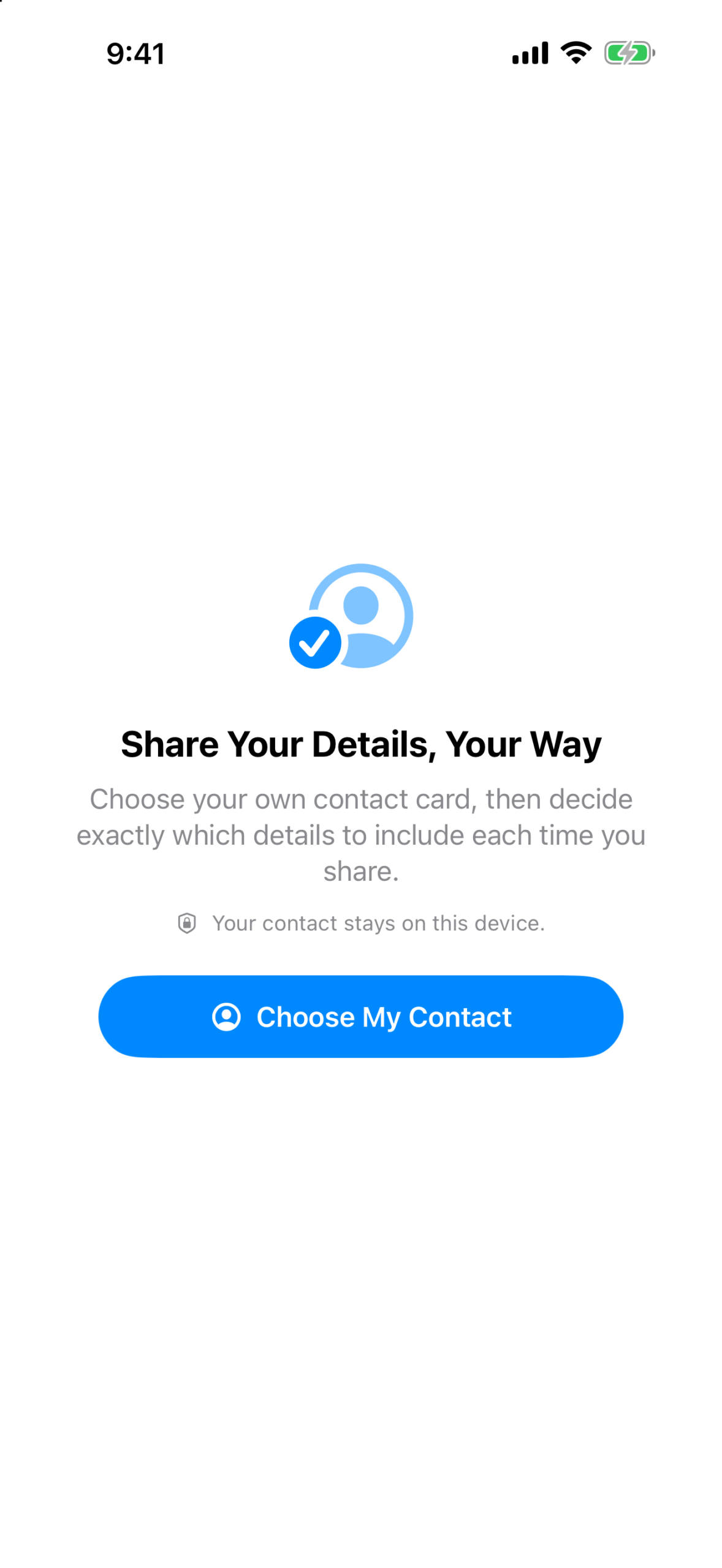
Me keeps your own contact card one tap away. Use it to quickly look up your phone number, email address, mailing address, and other details—without digging through Contacts.
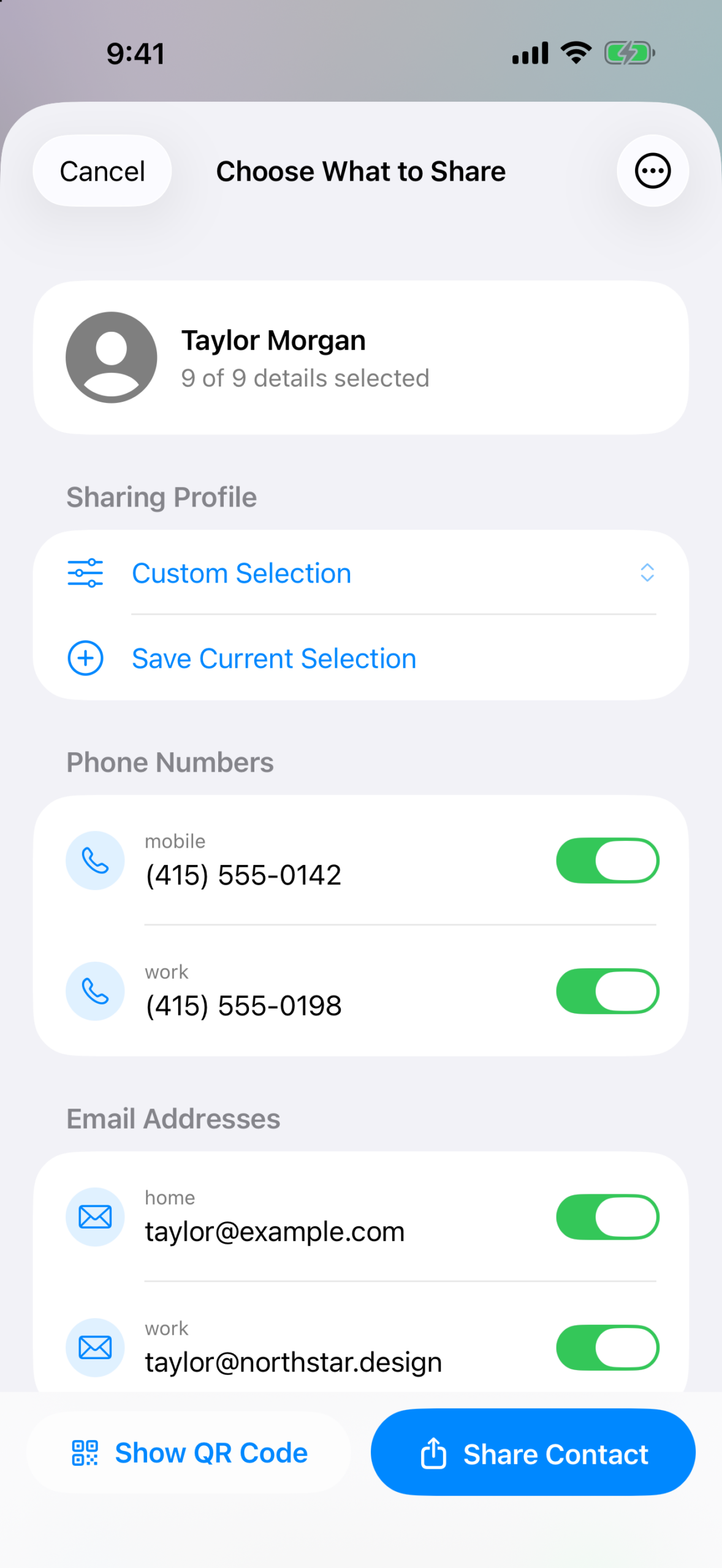
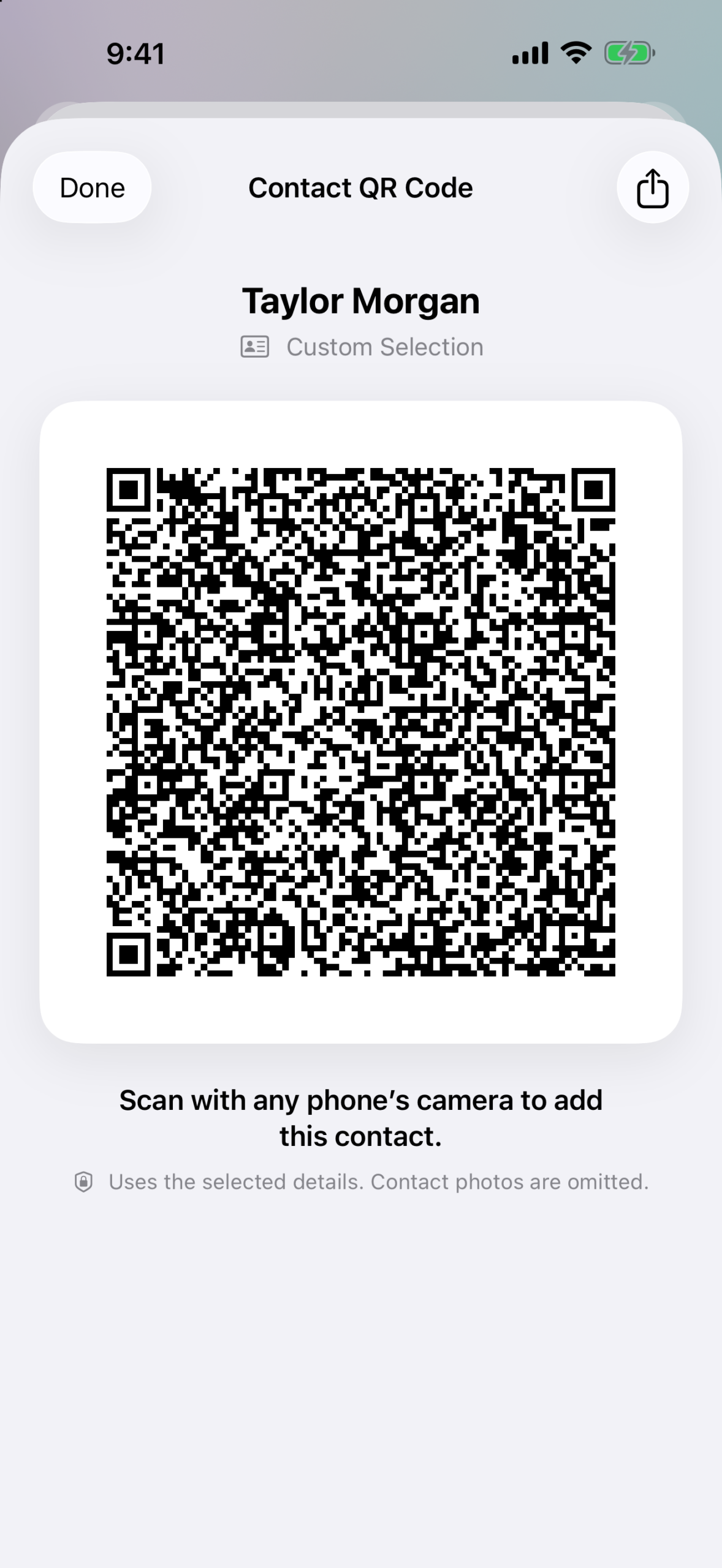
When it is time to share, Me lets you decide exactly what to include. Send a complete vCard, share only a few selected details, or display a QR contact card that someone nearby can scan.
What you can do
- Keep your card handy: Open Me to see your contact information immediately.
- Share only what you choose: Select individual phone numbers, email addresses, addresses, URLs, social profiles, and more.
- Save sharing profiles: Create reusable combinations for work, personal, networking, or any situation.
- Share a QR contact card: Let someone scan your selected details directly from your screen.
- Send files to yourself: Use the Send to Myself share extension from other apps and continue in Mail with your preferred address already selected.
- Use widgets: Keep your chosen email address or phone number visible on the Home Screen.
- Use Siri and Shortcuts: Open your card, retrieve your email or phone number, or start an email to yourself.
- Take quick actions: Tap a phone number to call, an email address to compose a message, or an address to open Maps.
Private by design
Your selected contact remains on your device. Me does not require broad access to your address book, does not create an account, and does not collect or track your contact data.
Version 3.1
Version 3.1 is a major refresh with saved sharing profiles, QR contact cards, the Send to Myself share extension, configurable widgets, Siri and Shortcuts actions, a redesigned sharing flow, a new icon, improved onboarding, and accessibility and reliability improvements.
Version history
Version 3.1.0 (July 24, 2026)
- Added saved sharing profiles.
- Added QR contact cards.
- Added the Send to Myself share extension.
- Added configurable Home Screen widgets.
- Added Siri and Shortcuts actions.
- Redesigned sharing, onboarding, and contact selection.
- Added the new app icon and improved accessibility and reliability.
Version 3.0.0 (November 20, 2022)
- Updated the contact card to match the system.
- Added support for URLs, social profiles, dates, contact relations, instant message addresses, and birthdays.
Version 2.3.0 (April 27, 2020)
- Added support for iOS 13 and Dark Mode.
Version 2.2.0 (February 1, 2016)
- Added universal iPhone and iPad support, multitasking, iOS 9 updates, and all orientations.
Version 2.1.0 (February 16, 2014)
- Added image, company, job title, and department sharing, plus onboarding and bug fixes.
Version 2.0.0 (September 30, 2013)
- Redesigned for iOS 7 and added selective vCard sharing.
Version 1.0.0 (May 8, 2009)
- Initial release.