
Keep emergency contacts close at hand
Emergency Contact List lets you carry important contact details wherever you go. It is useful for coaches, families, organizers, and anyone who needs a dependable list when it matters most.
Import a CSV file of contacts, keep multiple lists, and export a printable PDF as an additional backup.
Download Emergency Contact List on the App Store
What you can do
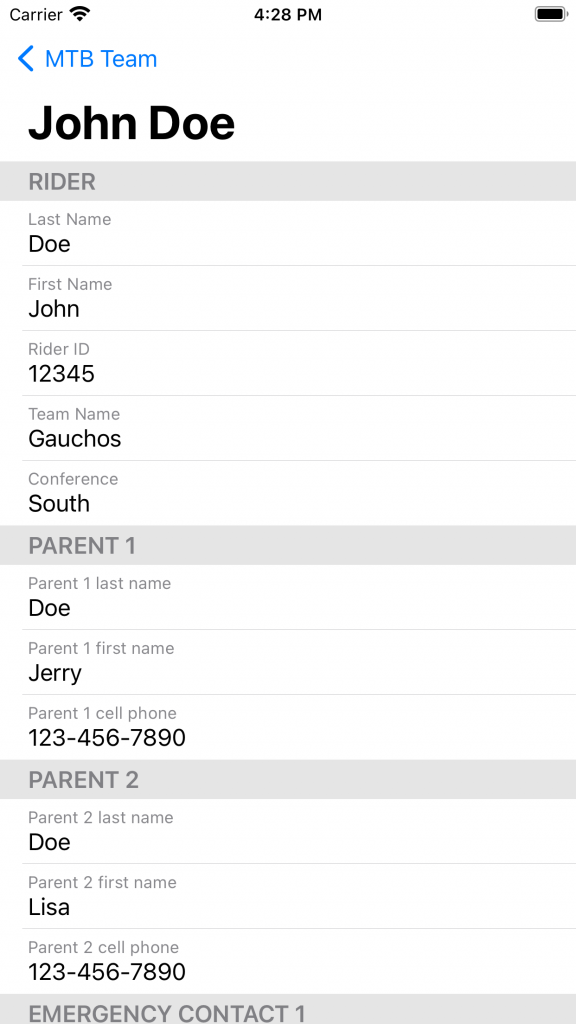
- Import your contacts: Open CSV files with the File Picker or Open in App, with common CSV formats recognized and formatted more clearly.
- Keep separate lists: Import and manage multiple contact lists for different groups.
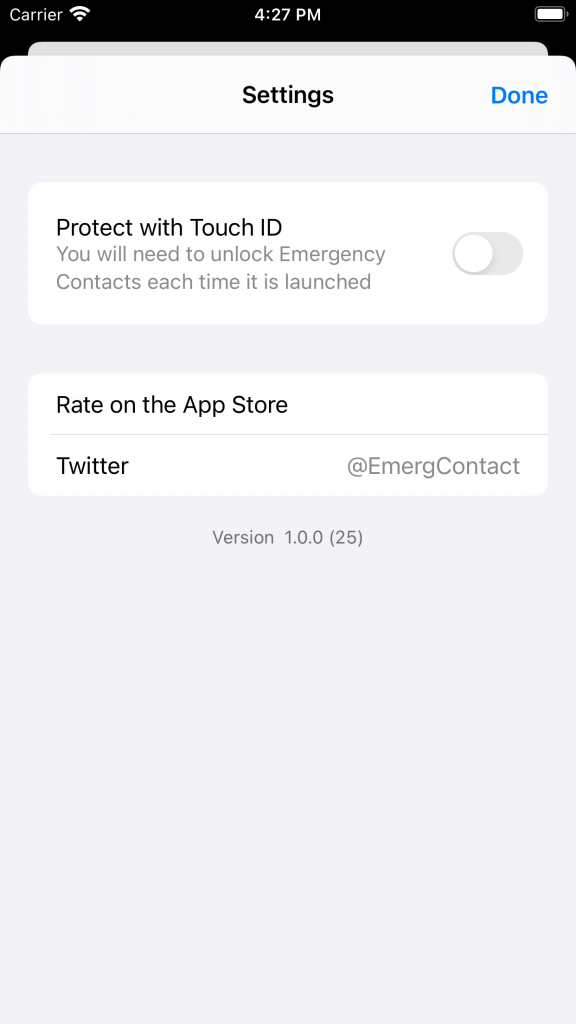
- Protect sensitive details: Use Face ID or Touch ID when available.
- Take quick action: Copy any field, call or message phone numbers, and email addresses directly from a contact.
- Keep a paper backup: Export and print a PDF of your list.
Private by design
Emergency Contact List does not collect your data. Your lists stay on your device. If you enable iCloud sync, your information is handled through Apple's iCloud service; we do not operate the storage or access your synced information.

Need help importing contacts? Visit the Help Page.